
How to set up your first Agile board
A board is where scattered work becomes a clear picture of who’s doing what, and what’s next. Here’s how to build your first one in under ten minutes — and set it up so it keeps your team aligned as work grows.
Picture a small team producing social content for a handful of clients — a café, a furniture brand, a hospital — across Instagram, LinkedIn and Facebook. Every week there are posts, reels, banners and stories to design, review and schedule. Run that out of chat threads and a spreadsheet and something always slips: a banner misses the festival, a reel sits waiting on an approval nobody saw.
An Agile board fixes that. This guide walks through building your first one in VZBAL — using exactly that content workflow as the running example — from the columns you choose to the automations that keep it current without anyone babysitting it.
Why start with a board
A board turns your workflow into columns and your work into cards that move across them. It sounds simple, and that’s the point: the structure is obvious enough that a new teammate reads it instantly, but flexible enough to model almost any process — a content calendar, a hiring pipeline, a sprint, a client onboarding.
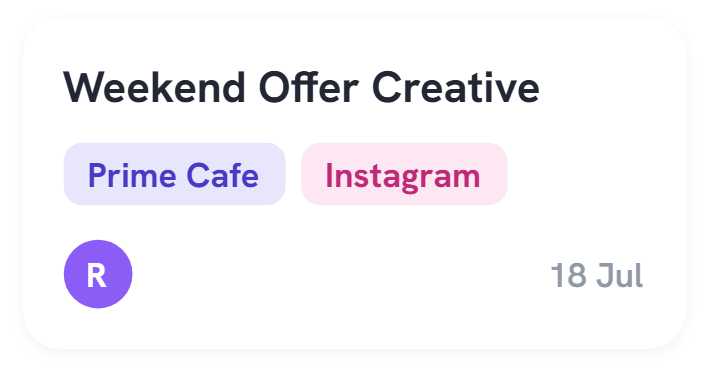
Take one real deliverable: a “Weekend Offer Creative” for Prime Cafe. On a board it starts in To Do, moves to In Progress when a designer picks it up, slides to Review when it needs sign-off, and lands in Scheduled once it’s approved. Anyone glancing at the board knows exactly where it is — no one has to ask.
A good board answers three questions at a glance: what are we working on, who owns it, and what’s stuck.
Before you begin
You don’t need much, but a few minutes of thinking here saves a rebuild later. Have rough answers ready:
- What process is this board for? One board = one workflow. Keep “Social Content” separate from, say, your sales pipeline.
- What stages does work really pass through? Write them in plain language first — “awaiting client approval” is a legitimate stage if that’s where things actually sit.
- Who’s on the team? Have their emails handy so you can invite them and assign owners at the end.
Keep it small to start. Three to five columns is the sweet spot. You can always add more once you see where work actually piles up — an empty column is easier to add than a crowded one is to remove.
Building your board, step by step
Create the board
From your VZBAL dashboard, click New Board. Give it a clear, time-boxed name — “Social Content — July” beats “Marketing” — so it’s obvious what belongs on it. Pick a template if one fits, or start blank and build your own columns next.
Set up your columns
Columns are the stages your work moves through, left to right. For a content team a dependable set is Backlog → To Do → In Progress → Review → Scheduled → Published. Anything not started yet — a “Diwali Teaser” planned for later — sits in Backlog until it’s ready. Rename columns to match how your team actually talks, and drag to reorder any time.
Add your first cards
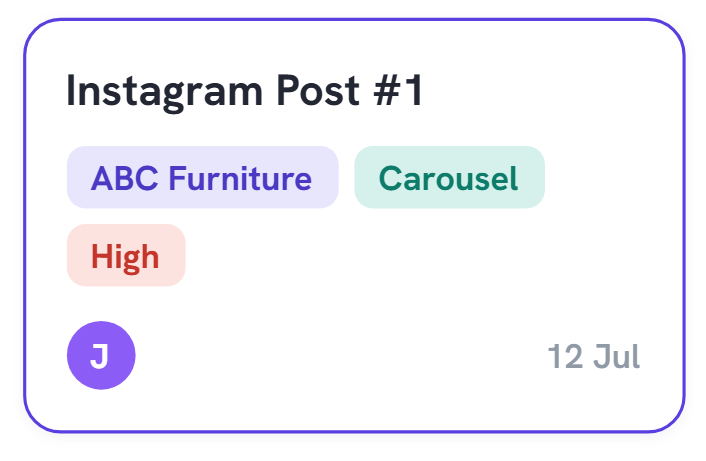
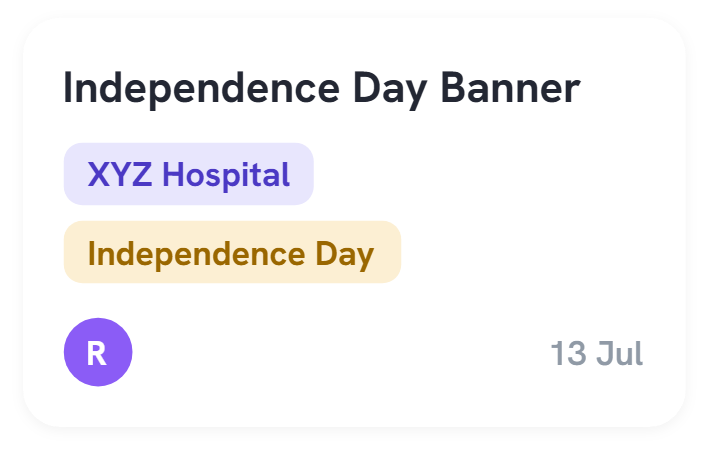
Each card is one deliverable. Click + Add card in a column and give it a short, specific title — “Instagram Post #1”, “LinkedIn Company Update”, “Independence Day Banner”. Don’t overthink it; get everything currently in flight onto the board first so it reflects reality on day one, then refine.
Fill in the card details
Open a card and add what your team needs to act without asking. On the content board, each card carries:
- Client — who it’s for (ABC Furniture, Prime Cafe, XYZ Hospital).
- Platform & type — Instagram, LinkedIn or Facebook; a Carousel, Reel, Story or Banner.
- Priority — flag the urgent ones High so they don’t get buried.
- Owner & due date — an assignee and a date (e.g. due 12 Jul) so nothing is ambiguous.
Invite your team
Click Share, add teammates by email, and set roles — editors move and edit cards, viewers follow along. Then assign owners to the cards you created. The board only earns its keep when the whole team is looking at the same one.
Automate the busywork
A board is useful the moment you build it, but it becomes effortless once VZBAL handles the repetitive parts. Each of these takes a minute to set up and saves hours over a month:
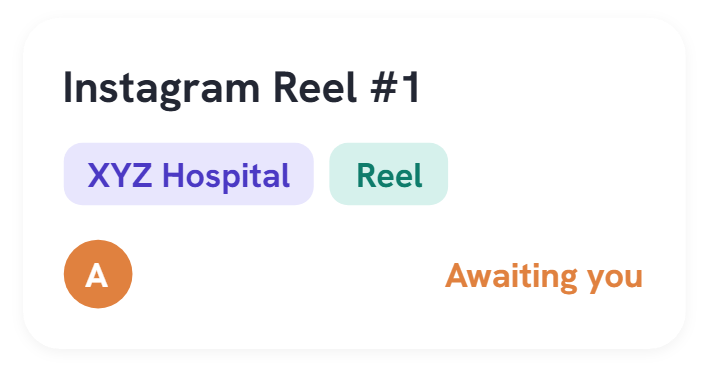
- Auto-assign on move. When a card reaches Review, hand it to the approver automatically — that’s the “Awaiting you” nudge on the Instagram Reel, with no one having to remember.
- Due-date reminders. Ping the owner the day before something’s due, so the 13 Jul banner never sneaks up on festival morning.
- Stale-card alerts. Flag any card that hasn’t moved in a few days, so stuck work surfaces instead of quietly rotting in a column.
- Publish sync. Post a note to your team channel when a card hits Published, so wins are visible without a meeting.
Pro tip: Set a work-in-progress limit on your In Progress column. Cap it at, say, four cards and the team has to finish something before starting something new — the single most reliable way to stop everything being “80% done.”
Habits that keep a board useful
Tools don’t fail teams; abandoned tools do. A board stays valuable when a few small habits keep it honest:
- Move cards in real time. Update the board as work happens, not once a week. A board that’s a day behind is a board no one trusts.
- Run a two-minute daily glance. Scan what’s stuck and what’s due today. That’s your standup — no meeting required.
- Archive “Published” weekly. Keep the board focused on active work; VZBAL keeps the history so nothing is lost.
- Let the board evolve. If a column is always empty or always overflowing, change it. The board should describe how you actually work, not how you hoped to.
Key takeaways
- One board per workflow — start with 3–5 columns you can rename freely.
- Every card needs a client, owner, due date and enough context to act on.
- Automate assignments, reminders and stale-card alerts to keep it current.
- Move cards in real time — a trusted board replaces the status meeting.
What to do next
You’ve got a board, your team’s on it, and the busywork is automated. From here, connect it to the rest of VZBAL — tie a client’s cards to their lead record, pull a sprint from your agile backlog, or route approvals through a shared queue. The board you just built is the first tile of a workspace where every kind of work lives in one place.
Open VZBAL, click New Board, and give it ten minutes. It’s the fastest way to see where your work actually stands.